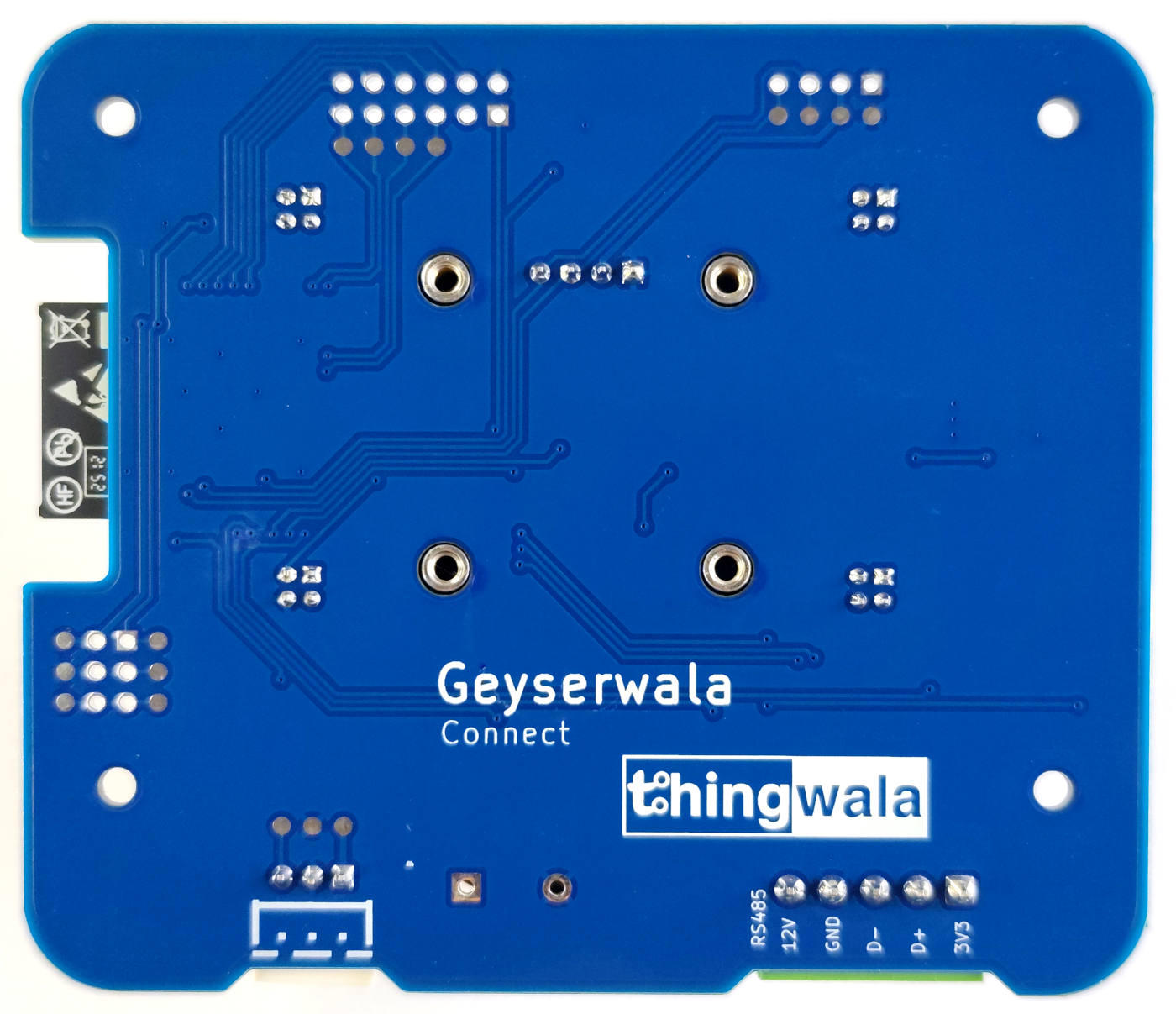
Description
Geyserwala Smart Wi-Fi Geyser Controller
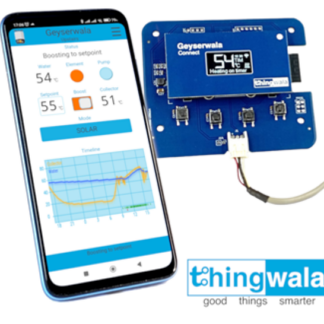
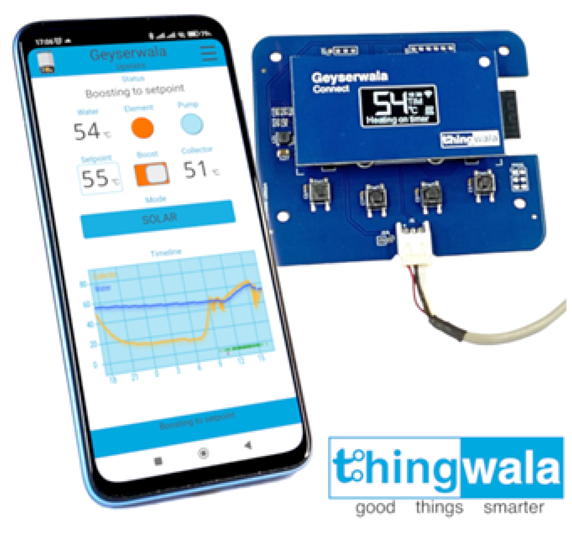
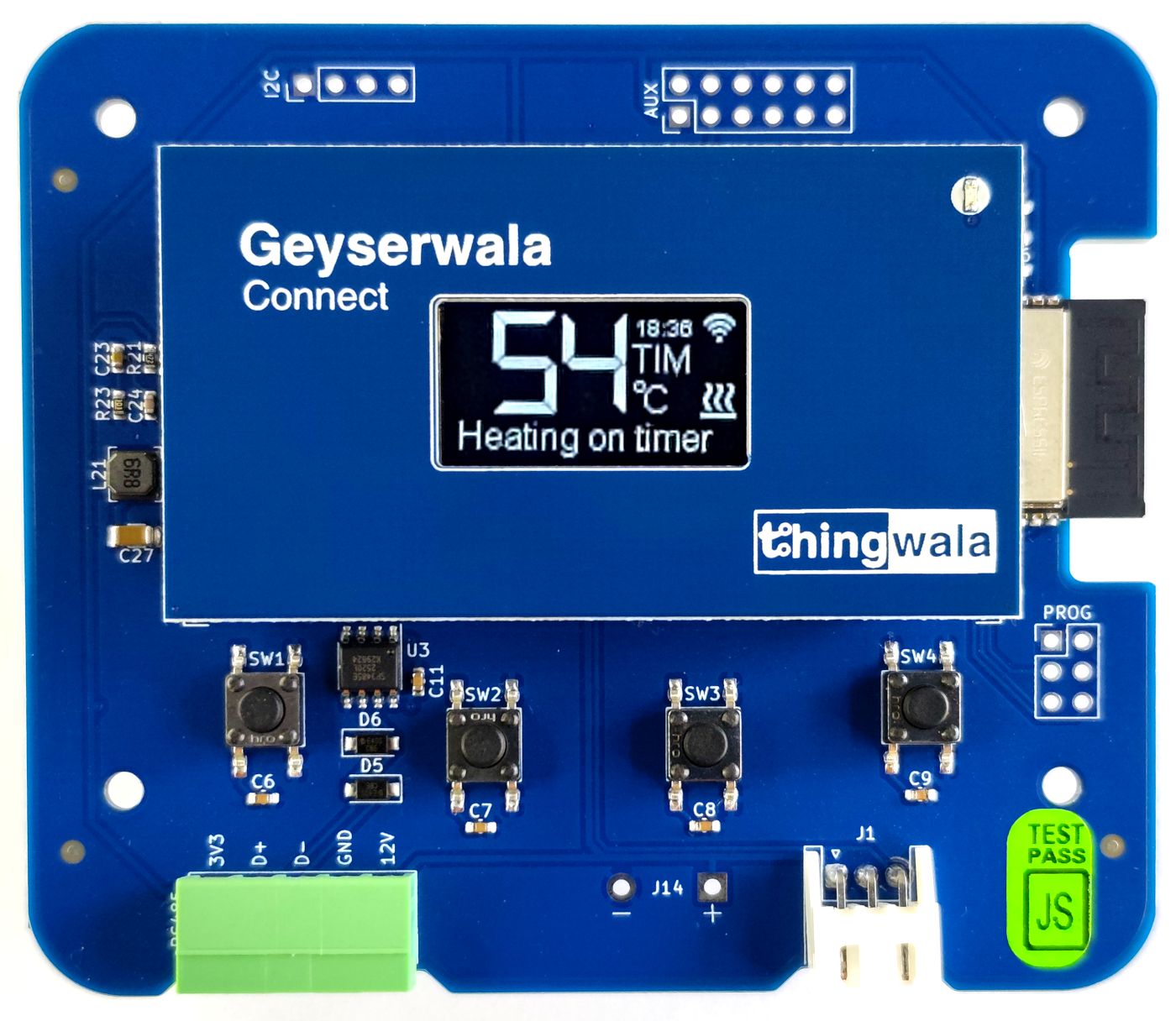
The Geyserwala is a smart Wi-Fi retrofit.
The controller is for selected geyser controllers that gives you full control from your phone.
A highly convenient, energy-saving smart home solution. With remote control, enhanced monitoring, and seamless integration, it offers tangible benefits in cost savings, safety, and control.
Additionally, it provides advanced integration capabilities for home and building automation.
Transform your standard geyser controller system into a modern, connected, and fully integrable device.
Benefits
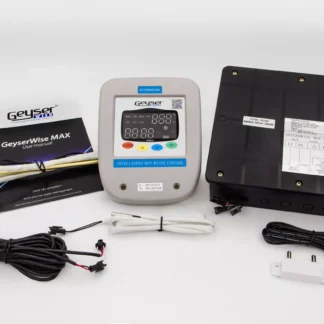
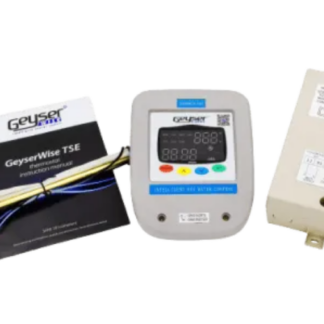
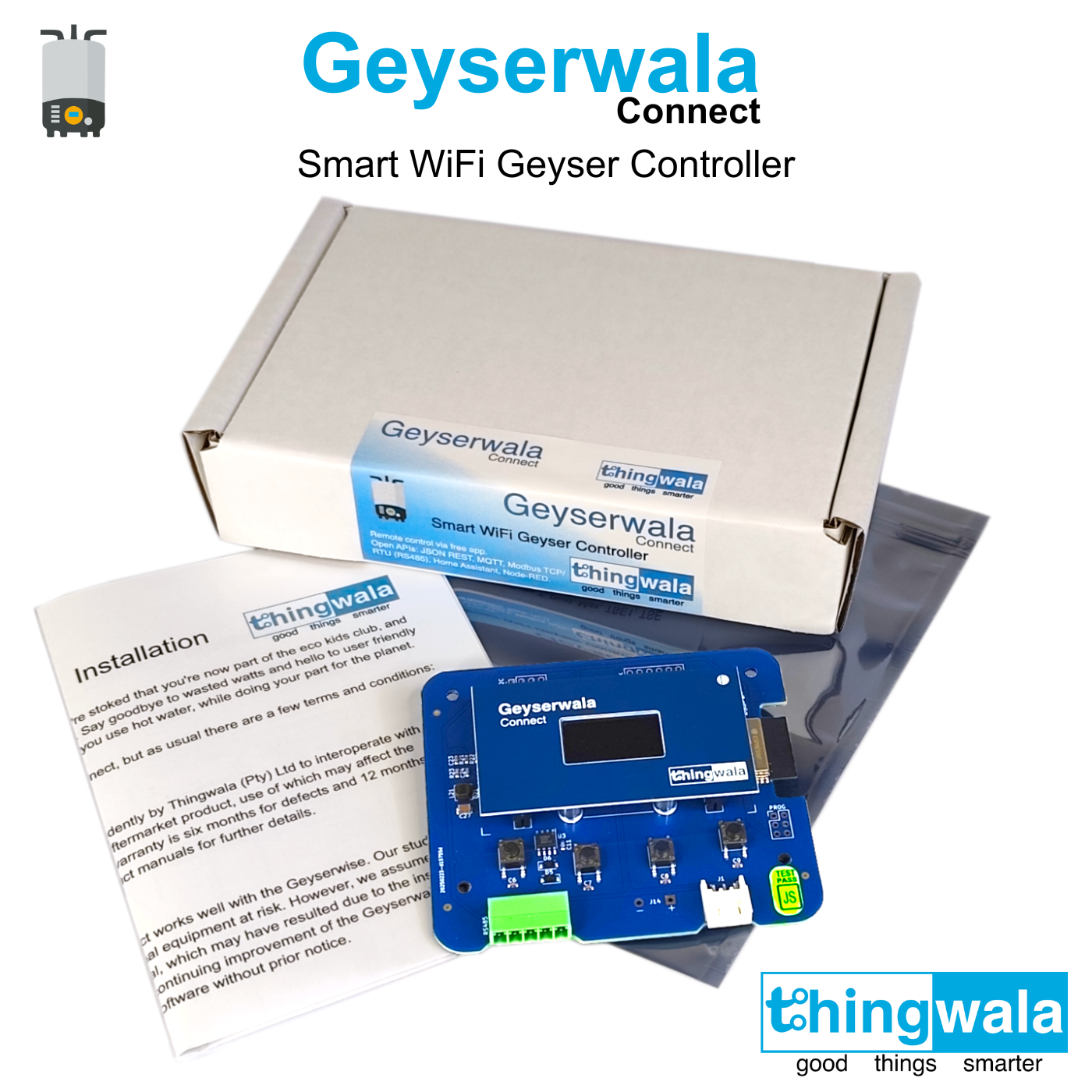
Everything required for installation is included.
Convenient Installation
With a quick DIY install on compatible systems, the Geyserwala Connect provides a cost-effective retrofit for selected geyser controllers, adding advanced remote control and monitoring capabilities. No special skills required, you only need a screwdriver. Both video and written instructions provided.
Enhanced Energy Efficiency
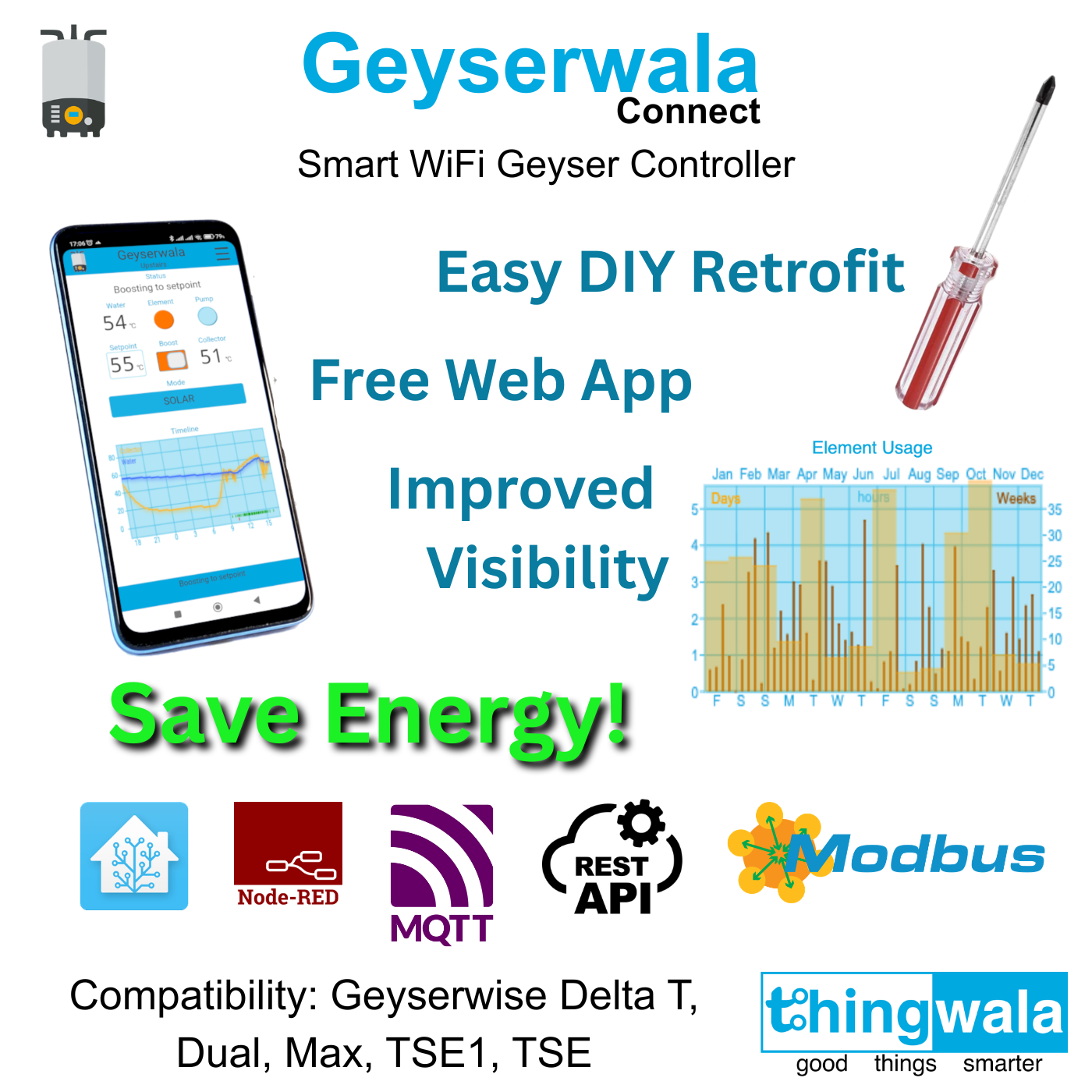
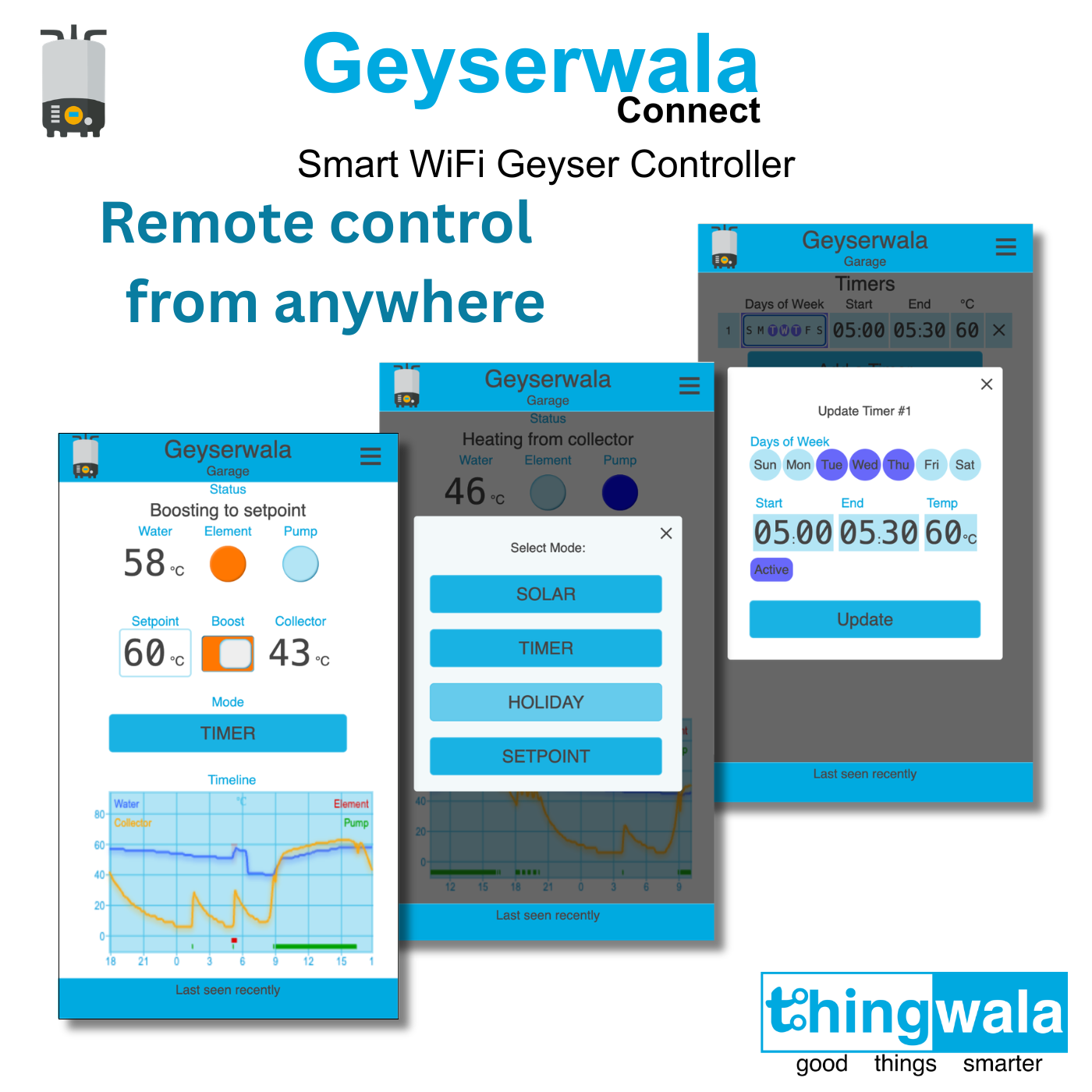
The easy-to-use modes, timers, and instant boost available via the convenient web app help you optimize your energy consumption. You can ensure it only heats water when needed, leading to significant cost savings on your electricity bills.
Improved Visibility
The 24-hour timeline and element usage graphs in the app let you quickly gauge your system’s performance. System faults are clearly reported on the app, enabling swift troubleshooting. This enhanced monitoring improves the overall reliability and safety of your hot water system.
Seamless Integration
The open APIs and Cloud-free design allow for integration with home and building automation systems, offering pre-built integrations for Home Assistant and NodeRED, and now with support for Modbus RTU and TCP, which allows control and visibility of a geyser as a fully managed connected device.
Integration
All automation or control logic built using the APIs is implemented at the user or installer’s discretion. External logic operates independently of the Geyserwala Connect’s internal protections and must be validated for safe operation.
All product and company names are trademarks of their respective owners and are used only to describe compatibility or integration.
The Geyserwala Connect is built with fully local, open APIs and can operate entirely cloud-free, with no vendor lock-in. It enables intelligent control of compatible third-party geyser controllers, including models such as the Geyserwise Delta T, Dual, Max, TSE1, and TSE.
Automation
The Geyserwala Connect is designed for open and local integration. The low-level API documentation is here.
The Geyserwala Connect includes its own built-in control loop, which manages the baseline timers and other behaviour. However, depending on your automation needs, you can offload part or even all of the logic onto your own system.
These are the key signals that have been designed for automation:
- external-disable: Logically disable the element from switching on. Great if you have a mid-sized inverter but want to keep your geyser system online during grid outages. Use this signal to protect your inverter or your battery, when it is below a chosen SoC. If you have a pumped solar collector system this permits pumped-solar heating during load shedding outages. And it also prevents the load shedding induced thermal stress cycles on your solar collector, where it can overheat during the outage, and then rapidly cools when the grid returns.
- external-setpoint: Input an automation target temperature, from 30 to 75 ℃.
- external-demand: Input an automation signal for when the Geyserwala Connect should heat to the external-setpoint.
When timers are set (and active) they will be honoured when in TIMER mode. Switching to SOLAR/STANDBY mode simply ignores the timers. If heating is fully automated, then use SOLAR/STANDBY mode as the default, reserving TIMER, SETPOINT and HOLIDAY mode as manual overrides. In HOLIDAY mode automation inputs are ignored, which is a convenient way to temporarily disable automations.
NOTE: It is disadvised to automate user signals such as mode, boost-demand, or setpoint, as this overrides app control and bypasses the built-in hysteresis that protects the heating element and relay. See Hysteresis below for details.
Hysteresis
A heating controller typically uses a small temperature margin, or hysteresis, to prevent rapid on-off cycling once the target temperature is reached. This reduces wear on both the control relay and the heating element, extending their service life.
The Geyserwala Connect applies this principle with a 6 ℃ hysteresis and a minimum three-hour holdoff after switching off, unless the tank temperature drops by more than 6 ℃. To stay responsive to automation, if the setpoint is more than 6 ℃ above the tank temperature, the holdoff is reduced to 10 minutes. As a general guideline, avoid frequent or abrupt value changes, especially the user signals, to protect the relay and heating element and ensure reliable long-term operation.
Metrics
The Geyserwala Connect makes its operational values available on MQTT and REST for you to use as you please. If you want to graph the data then the TIG stack (Telegraf, InfluxDB, Grafana) is a popular choice and fairly easy to setup.
The tank-temp and collector-temp are probably the first two values you’d want to graph.
If you’re interested in energy usage then element-seconds is a running total of the time your element has been on since factory reset or the counters were reset.
Safety
Users and installers are solely responsible for any automation logic created using the external signals or APIs. Third party automations operate independently of the Geyserwala Connect’s built in protections and may affect heating behaviour, energy usage, or safety systems. All automations must be designed, installed, and validated according to applicable electrical and plumbing standards, and tested to ensure safe operation within the user’s own environment.
Reduce Electricity Costs with Smarter Heating
Hot water heating is one of the largest household electricity expenses.
With Home Assistant automation, you can:
- Prioritise free solar energy
- Optimise pump operation
- Reduce unnecessary electric heating
- Schedule backup heating intelligently
- Integrate with energy monitoring and solar PV systems
This helps maximise solar performance while lowering ongoing energy costs.
Installation
Installing and setting up your Geyserwala Connect is straightforward if you’re handy with a screwdriver and follow the steps. Most people finish in just a few minutes. The video below walks you through step by step.
If you get stuck, don’t worry the Installation and Setup sections in the manual give detailed guidance, and the Frequently Asked Questions cover common snags to help you get you going quickly.
Notes:
* If you have a TSE or MAX with a 2 digit display – please be aware of this FAQ.
Feature Selection
If your system has additional features such as MPPT/PV or is a older model you may need to make adjustments on the “Features” menu. Please see Feature Selection in the Manual.
“The Geyserwala Connect has been developed independently by Thingwala, which is not affiliated with or endorsed by Geyserwise.”
Geyserwala Connect GTIN is 6001651365085.