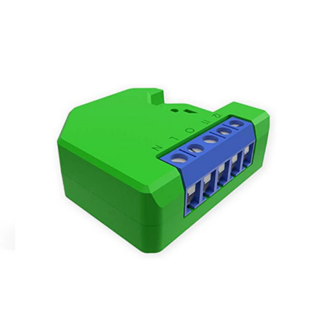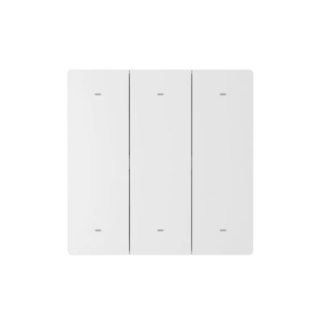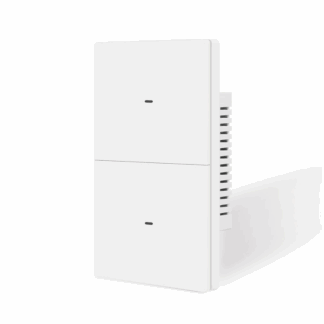




Description
Smart Lighting With the Feel of a Real Switch
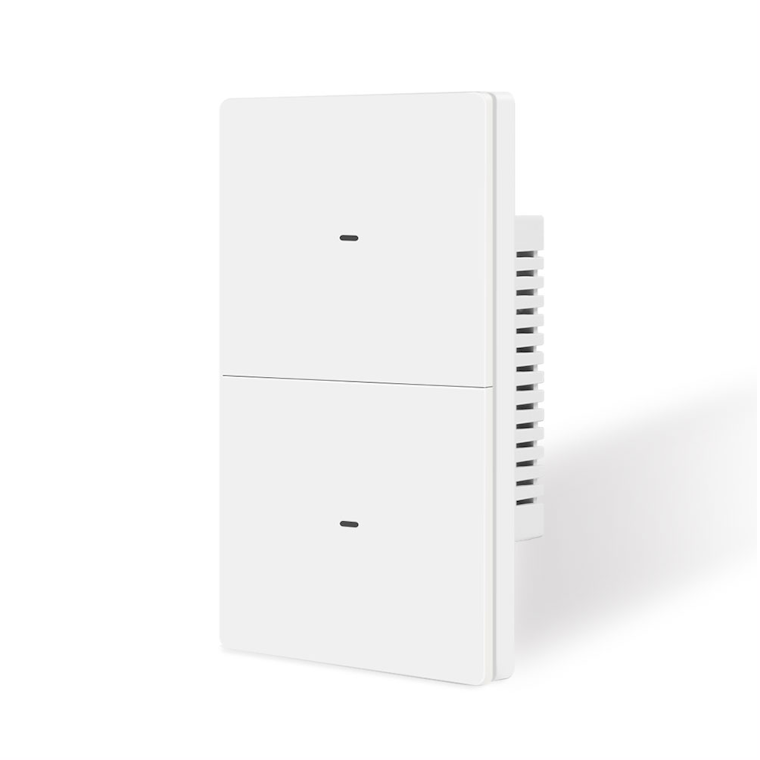
Upgrade your home with the SmartPad Zigbee Tactile Smart Light Switch – a modern smart wall switch that combines responsive physical buttons with reliable Zigbee 3.0 smart-home connectivity.
Unlike capacitive touch switches, the SmartPad Tactile Switch uses real physical buttons, giving you a crisp, satisfying click every time you operate your lights. You get the convenience of smart-home automation without losing the familiar feel and simplicity of a traditional wall switch.
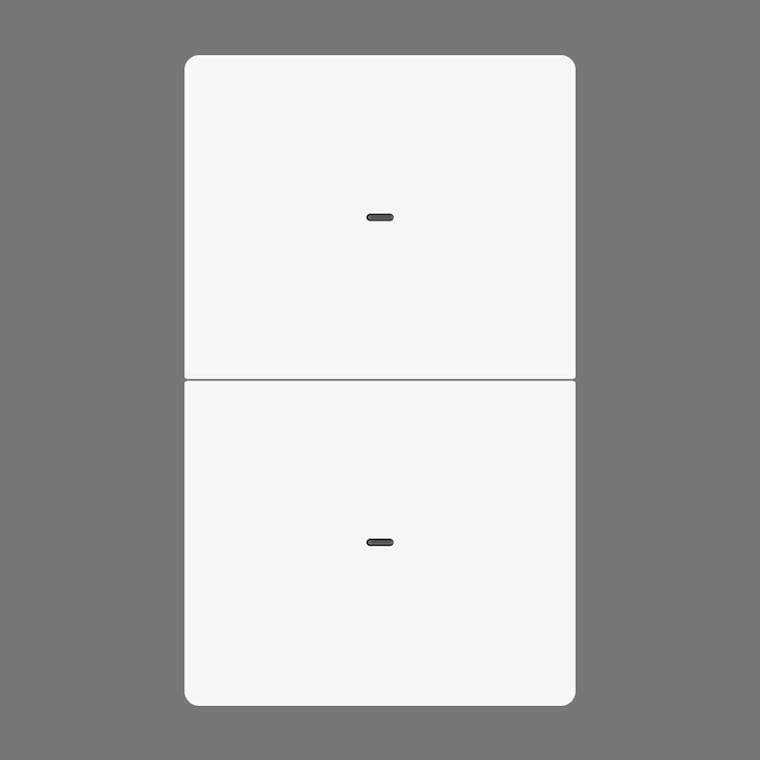
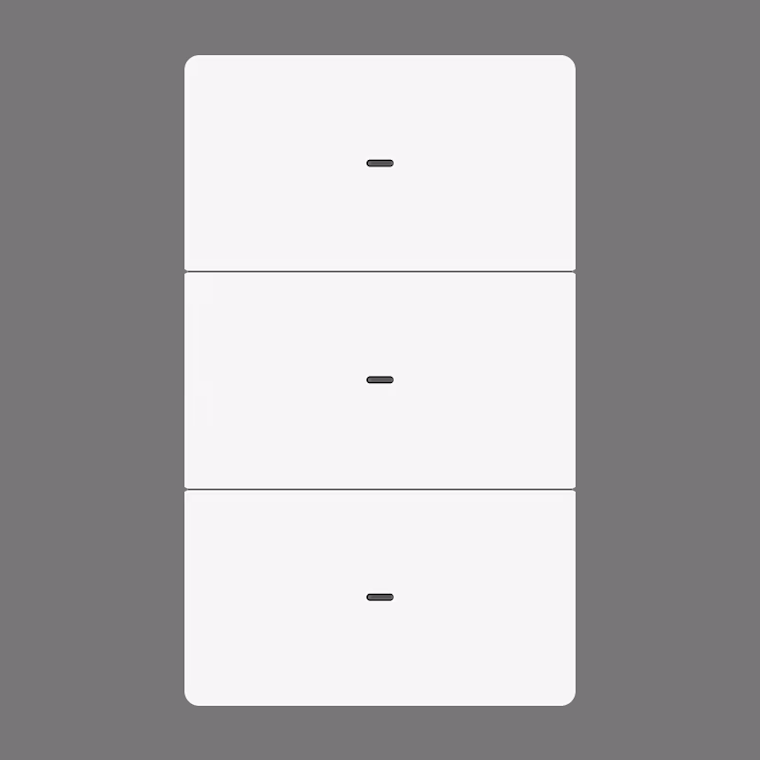
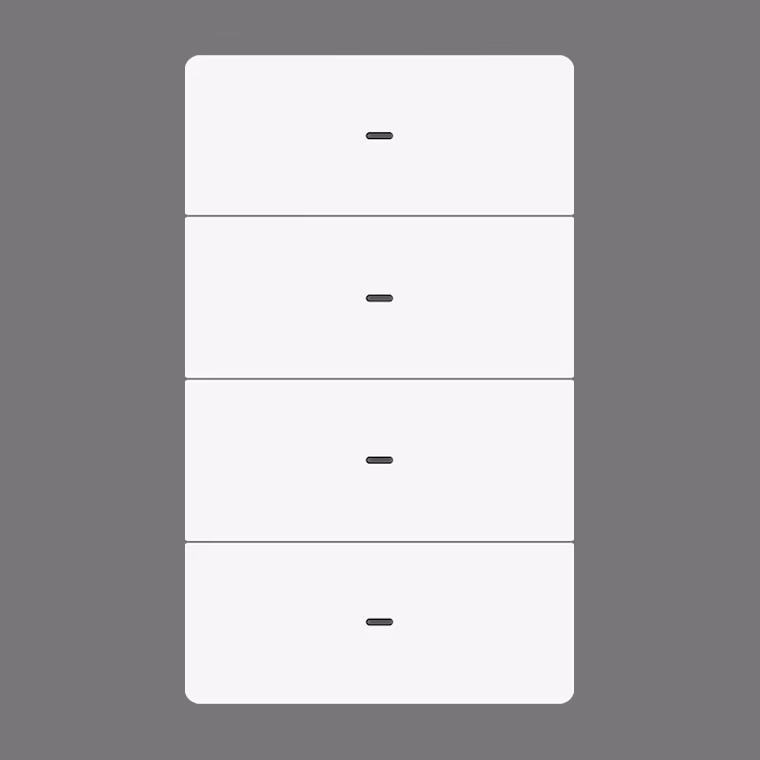
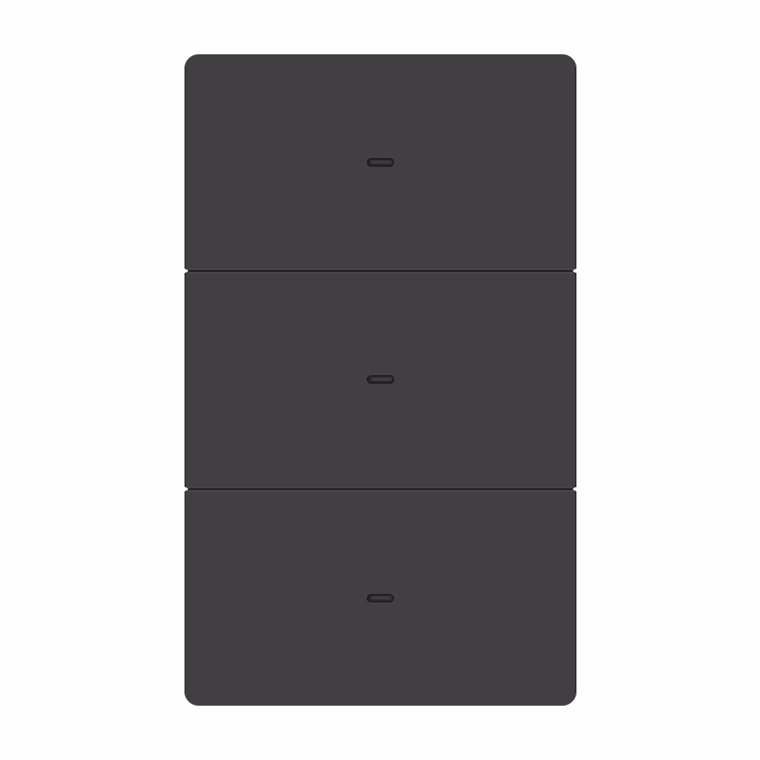
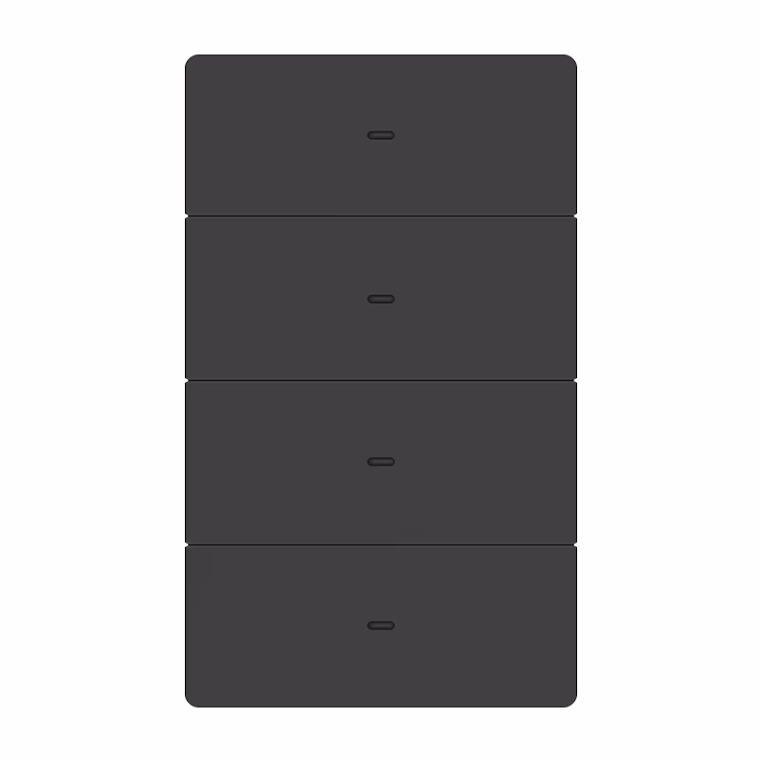
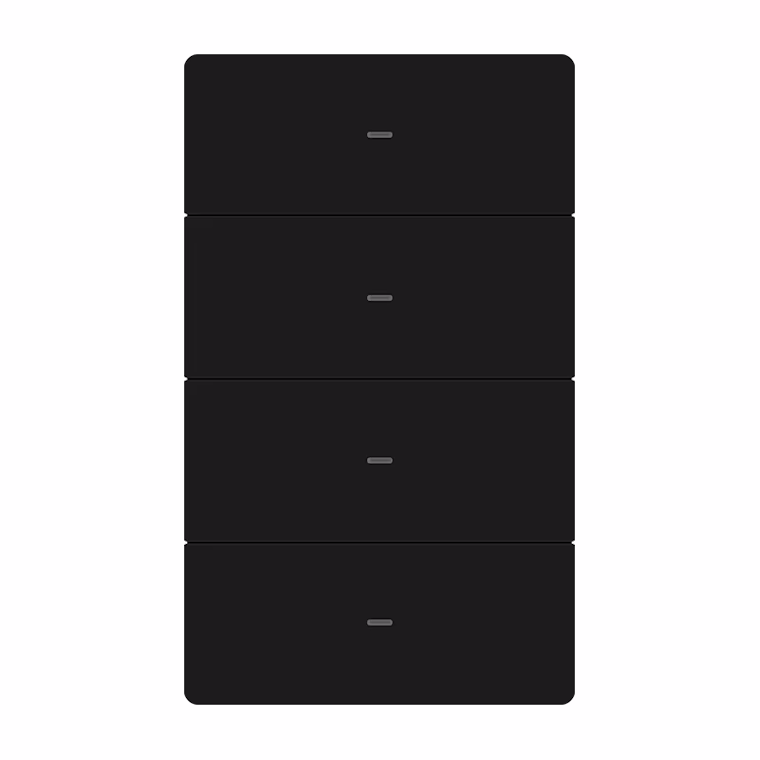
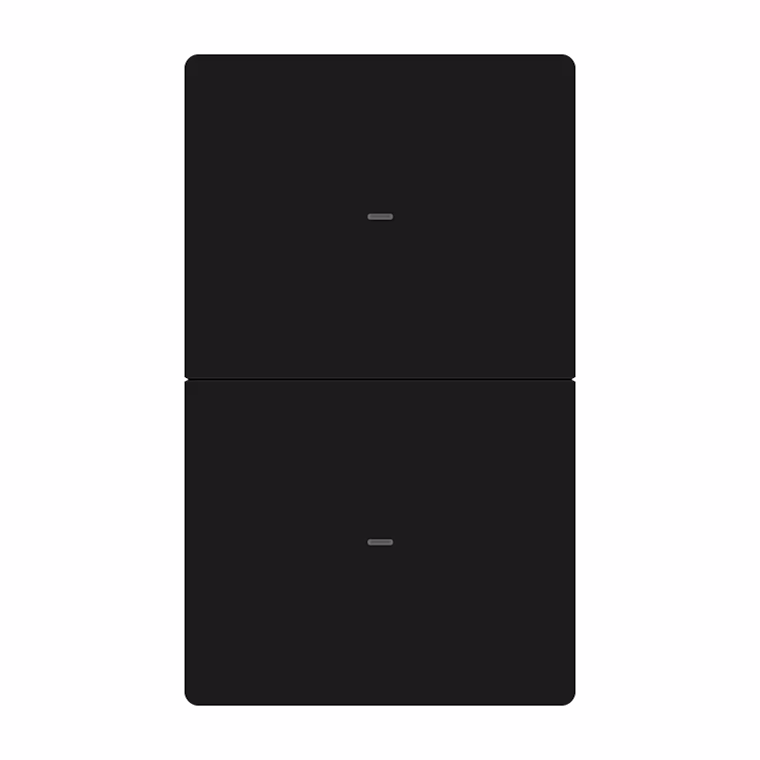
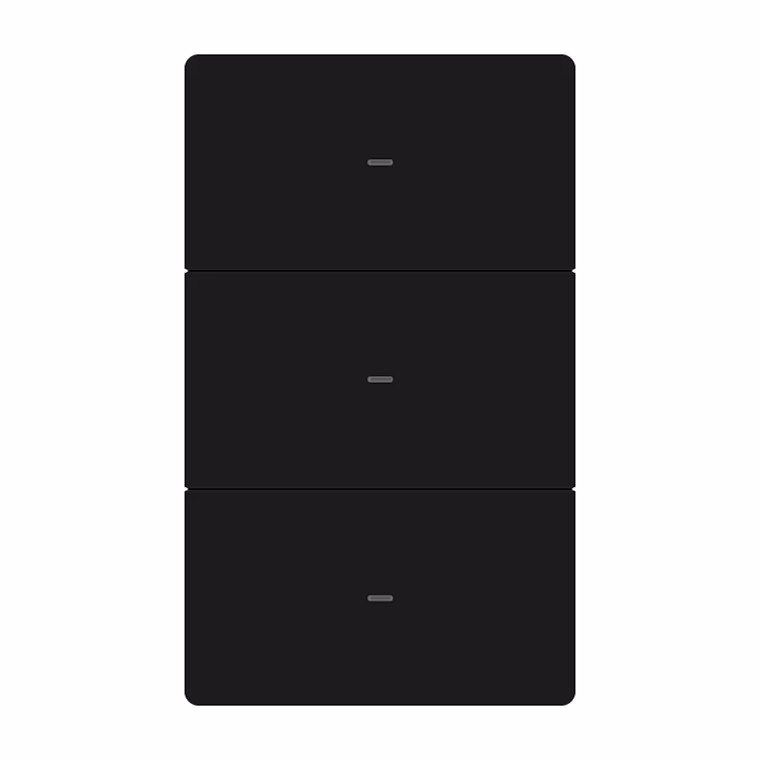
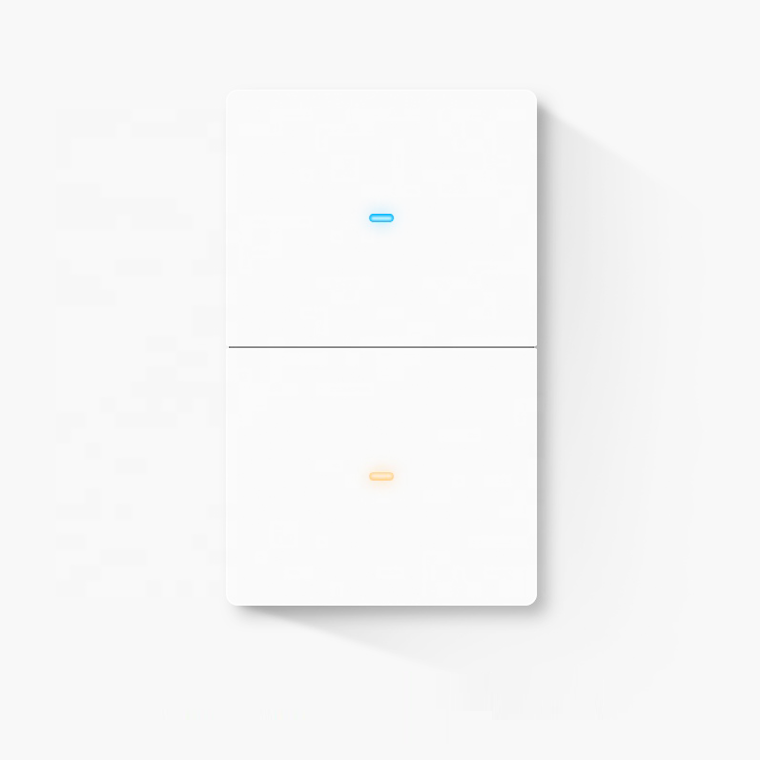
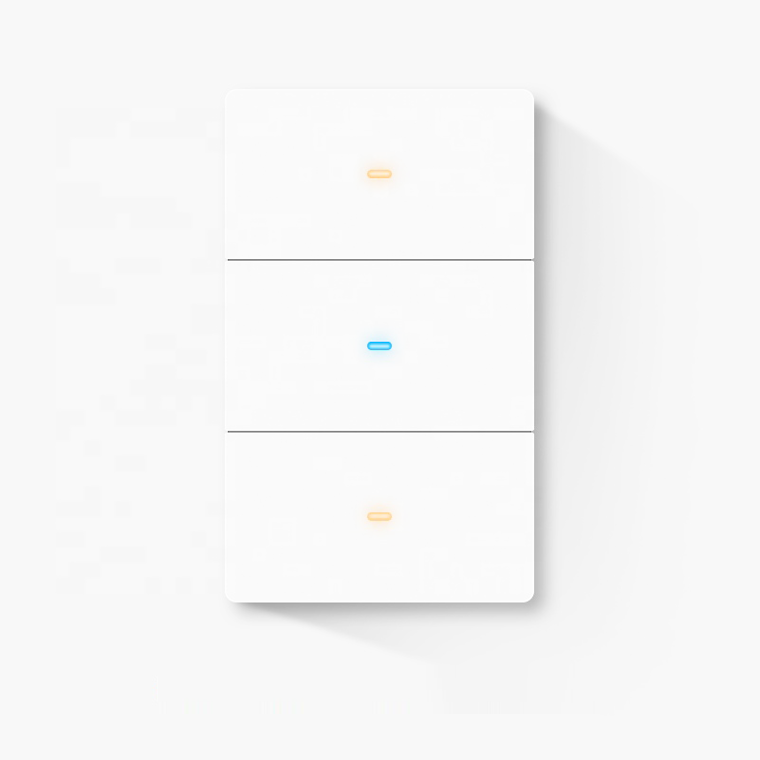
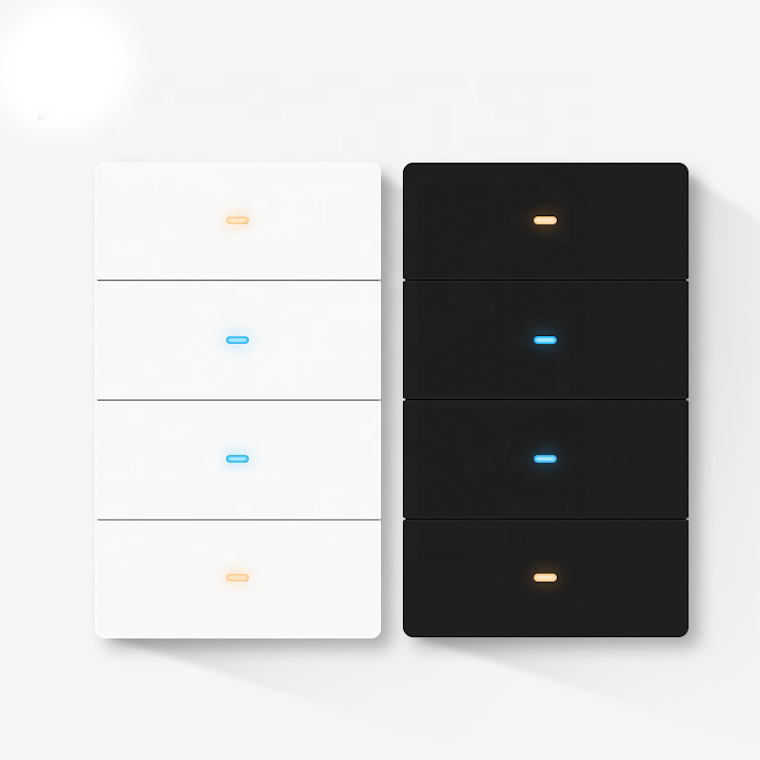
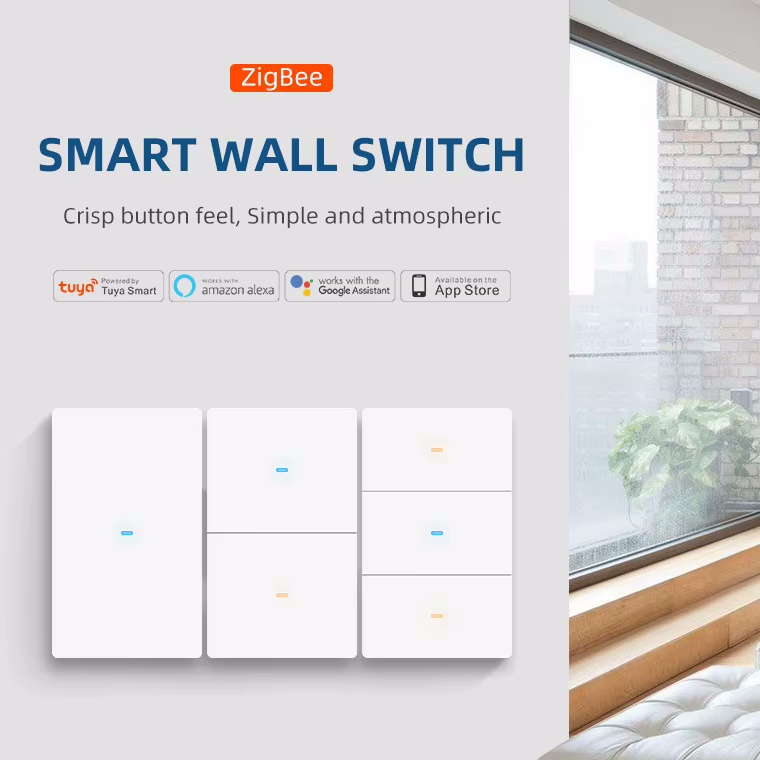
The range is available in 1, 2, 3 and 4 gang configurations, with White, Black and Grey finishes and a choice of Neutral Required or Neutral Optional wiring, depending on the selected gang configuration.
The Neutral Optional version can operate with or without a neutral wire, making it particularly useful for retrofitting smart switches into existing homes.
Zigbee 3.0 Smart Home Connectivity
The SmartPad Zigbee Tactile Switch connects to your existing Zigbee 3.0 network through a compatible Zigbee coordinator, hub or gateway.
It is an excellent choice for local smart-home platforms including:
- Home Assistant
- Zigbee2MQTT
- ZHA
- Compatible Zigbee hubs and gateways
- Other Zigbee 3.0 smart-home platforms
Zigbee uses a reliable mesh network, allowing compatible mains-powered devices to communicate with one another and extend network coverage throughout your home.
For Home Assistant users, the SmartPad Zigbee Switch is an excellent alternative to cloud-dependent Wi-Fi switches, providing a foundation for fast and reliable local automation.
A compatible Zigbee coordinator or hub is required for smart-home functionality.
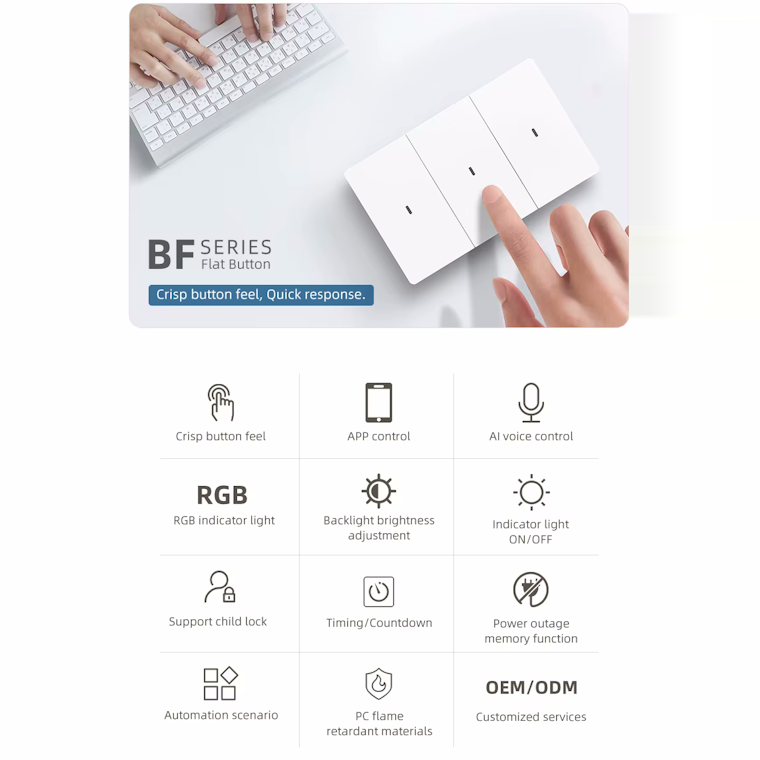
Real Physical Tactile Buttons
Smart doesn’t have to mean touch-sensitive.
The SmartPad Tactile Switch features physical buttons that provide clear feedback when pressed. This gives the switch a familiar, responsive feel while still providing all the advantages of smart-home control.
Benefits include:
- Crisp tactile feedback
- Reliable manual operation
- Easy operation without looking at the switch
- Familiar control for family members and guests
- Individually removable and replaceable buttons
- Modern appearance without sacrificing traditional switch functionality
Simply press the button to operate your lights, or let your smart-home system take care of them automatically.
Neutral Required or Neutral Optional
Choose the wiring configuration that best suits your installation.
Neutral Required
The Neutral Required version is designed for installations where a neutral wire is available at the wall switch.
This version provides the widest range of indicator and backlight customisation and is available in 1, 2, 3 and 4 gang configurations.
The 4-gang Zigbee version is only available as Neutral Required.
Neutral Required features:
- Requires a neutral connection
- No capacitor required
- Available in 1, 2, 3 and 4 gang
- Customisable indicator mode
- Customisable indicator colour
- Customisable backlight colour
- Adjustable backlight brightness
- Backlight can be enabled or disabled
- Timers and child lock
Neutral Optional
The Neutral Optional version provides greater installation flexibility and can operate with a neutral wire or without a neutral wire.
This makes it particularly useful for retrofit installations where a neutral conductor may not be available at the existing switch.
If a neutral wire is not available, the supplied capacitor is used as part of the installation.
Neutral Optional features:
- Can be installed with or without neutral
- Supplied capacitor for no-neutral installations
- Ideal for retrofit applications
- Available in 1, 2 and 3 gang configurations
- Customisable indicator mode
- Timers
- Child lock
- Zigbee 3.0 connectivity
Important: When installing the Neutral Optional version without a neutral wire, the supplied capacitor must be installed correctly according to the installation instructions.
In simple terms:
Neutral Required: Requires neutral and is available in 1, 2, 3 and 4 gang.
Neutral Optional: Works with neutral or without neutral and is available in 1, 2 and 3 gang.
Customisable LED Indicators & Backlight
The SmartPad Zigbee Tactile Switch gives you control over the appearance and behaviour of its built-in lighting indicators.
The Neutral Required versions offer the greatest level of indicator and backlight customisation.
Depending on the selected wiring version, you can configure features such as:
Indicator Mode
Adjust how the switch’s indicator operates to suit your preferences and installation.
Indicator Colour
The Neutral Required version allows the indicator colour to be customised.
Backlight Colour
Change the colour of the switch’s backlight to match your room or personal preference.
Backlight Brightness
Adjust the brightness of the backlight rather than being restricted to a fixed brightness.
Enable or Disable Backlight
Prefer a completely dark switch at night? The backlight can be disabled when supported by the selected version.
This makes it possible to create anything from a subtle bedroom switch to a clearly illuminated switch that’s easy to find in a dark hallway.
Feature availability varies between Neutral Required and Neutral Optional versions.
Smart Automation With Home Assistant
The SmartPad Zigbee Tactile Switch is particularly well suited to Home Assistant, Zigbee2MQTT and other local smart-home platforms.
Use the switch as part of sophisticated automations involving your other smart devices.
Motion-Activated Lighting
A motion or presence sensor detects someone entering the room and automatically switches on the lights.
Automatic Night Lighting
Use time, presence and light-level information to control your lighting automatically while keeping brightness appropriate at night.
All Lights Off
Create a scene that switches off multiple lights throughout your home with a single button press.
Away Mode
Automatically control selected lights according to your home’s occupancy or security routines.
Smart Scenes
Combine the switch with sensors, smart bulbs, plugs, thermostats and other Zigbee devices to create customised scenes.
Timers & Child Lock
The SmartPad Zigbee Tactile Switch includes useful built-in functionality such as:
- Timers
- Smart automation
- Child lock
- Configurable indicator behaviour
These features can be used alongside your Zigbee hub or smart-home platform to provide convenient everyday control.
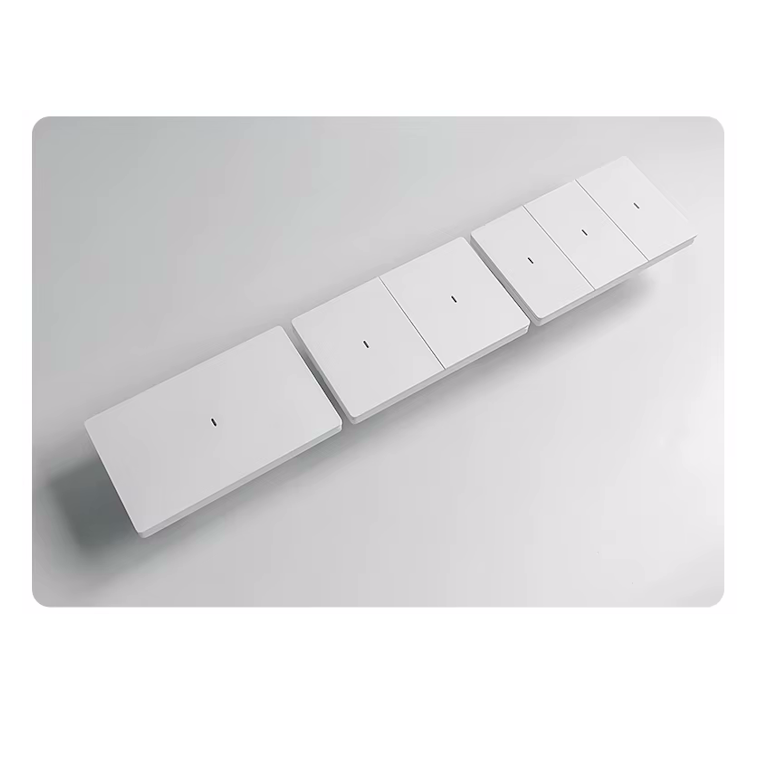
1, 2, 3 & 4 Gang Options
Choose the number of independently controlled circuits required for your installation.
| Configuration | Neutral Required | Neutral Optional |
|---|---|---|
| 1 Gang | ✅ | ✅ |
| 2 Gang | ✅ | ✅ |
| 3 Gang | ✅ | ✅ |
| 4 Gang | ✅ | ❌ |
The 4-gang version is available only in the Neutral Required configuration.
This gives you four independently controlled channels in a single wall switch, making it ideal for larger lighting installations.
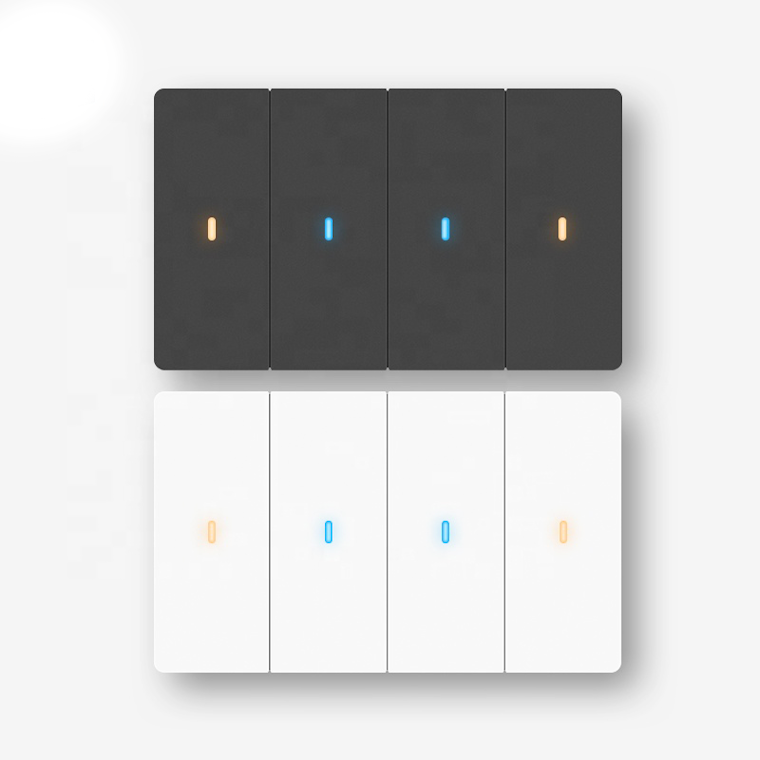
White, Black & Grey Finishes
Create a consistent appearance throughout your home with a choice of three modern finishes.
White
A clean, classic finish that suits almost any interior.
Black
A contemporary finish that works particularly well with modern and minimalist interiors.
Grey
A subtle, sophisticated finish for modern homes and neutral colour schemes.
Colour availability may vary depending on the selected gang and wiring configuration.
Designed for Smart-Home Retrofits
The combination of Zigbee connectivity, physical tactile buttons and a Neutral Optional version makes the SmartPad Tactile Switch particularly useful for retrofit installations.
You can upgrade your existing switches without necessarily having to rewire the entire home.
The Neutral Optional version is especially useful where the existing switch box does not contain a neutral conductor.
This makes the range suitable for:
- Older homes
- Renovations
- Smart-home retrofits
- Apartments
- Bedrooms
- Living rooms
- Kitchens
- Hallways
- Home offices
- New installations
Local Smart Home Control
For users building a local smart home, Zigbee offers several advantages over putting every smart switch directly onto Wi-Fi.
The SmartPad Zigbee Switch communicates with your Zigbee coordinator rather than requiring its own Wi-Fi connection.
This makes it an excellent foundation for a smart home based around Home Assistant, with your switches, sensors and other devices operating together as part of a local automation network.
Pair the switch with:
- Zigbee motion sensors
- Human presence sensors
- Door and window sensors
- Zigbee smart plugs
- Zigbee dimmers
- Smart bulbs
- Temperature sensors
- Energy monitors
The result is a flexible smart-home system where your lighting responds automatically to what’s happening around your home.
Feature Comparison
| Feature | Zigbee – Neutral Required | Zigbee – Neutral Optional |
|---|---|---|
| Zigbee 3.0 | ✅ | ✅ |
| 1 Gang | ✅ | ✅ |
| 2 Gang | ✅ | ✅ |
| 3 Gang | ✅ | ✅ |
| 4 Gang | ✅ | ❌ |
| White | ✅ | ✅ |
| Black | ✅ | ✅ |
| Grey | ✅ | ✅ |
| Requires Neutral | ✅ | ❌ |
| Works With Neutral | ✅ | ✅ |
| Works Without Neutral | ❌ | ✅ |
| Capacitor Required | ❌ | Only when installed without neutral |
| Capacitor Included | ❌ | ✅ |
| Indicator Mode | ✅ | ✅ |
| Indicator Colour | ✅ | ❌ |
| Backlight Colour | ✅ | ❌ |
| Backlight Brightness | ✅ | ❌ |
| Enable/Disable Backlight | ✅ | ❌ |
| Timers | ✅ | ✅ |
| Child Lock | ✅ | ✅ |
| Home Assistant | ✅* | ✅* |
| Zigbee2MQTT | ✅* | ✅* |
| ZHA | ✅* | ✅* |
*Available functionality can vary depending on the Zigbee coordinator, integration and software platform.
Specifications
| Specification | Details |
|---|---|
| Product | SmartPad Zigbee Tactile Smart Light Switch |
| Protocol | Zigbee 3.0 |
| Smart Home Platforms | Home Assistant, Zigbee2MQTT, ZHA & compatible Zigbee hubs |
| Wiring Options | Neutral Required / Neutral Optional |
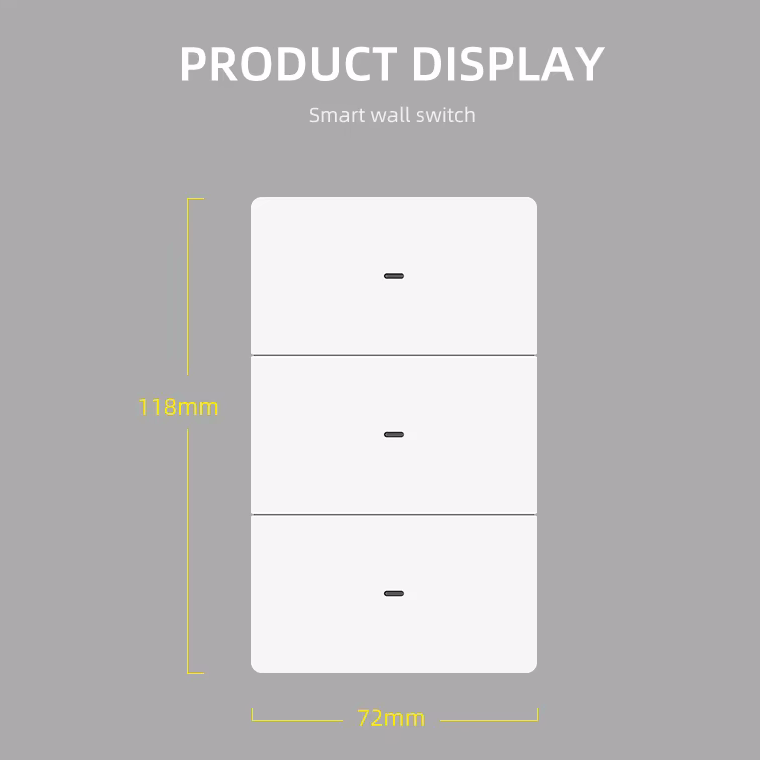
| Gang Options | 1, 2, 3 & 4 Gang |
| 4 Gang Configuration | Neutral Required only |
| Colours | White, Black & Grey |
| Physical Controls | Tactile physical buttons |
| Timers | Yes |
| Child Lock | Yes |
| Indicator Mode | Configurable |
| Indicator Colour | Model dependent |
| Backlight Colour | Model dependent |
| Backlight Brightness | Model dependent |
| Backlight On/Off | Model dependent |
| No-Neutral Capacitor | Included with Neutral Optional models |
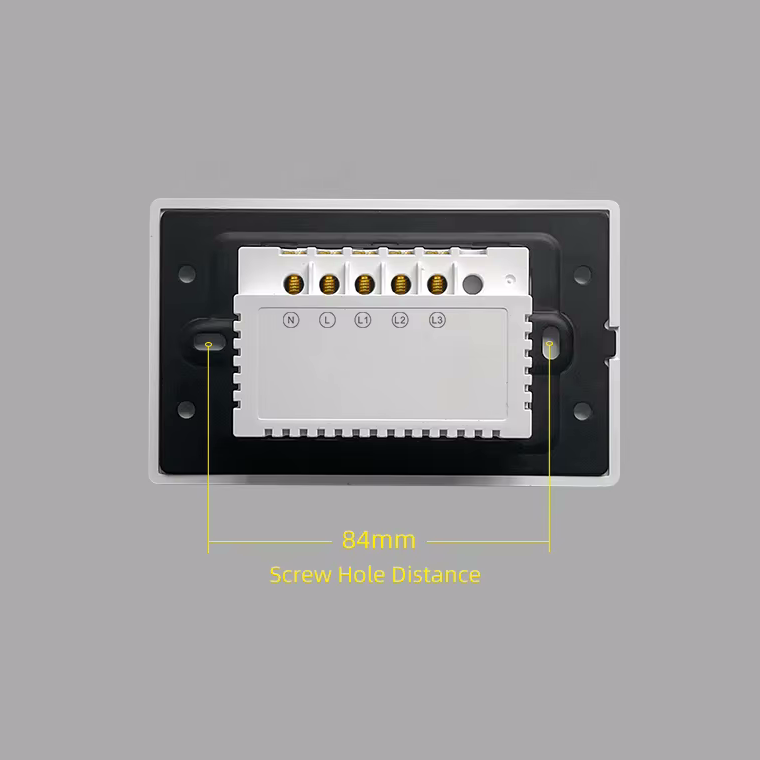
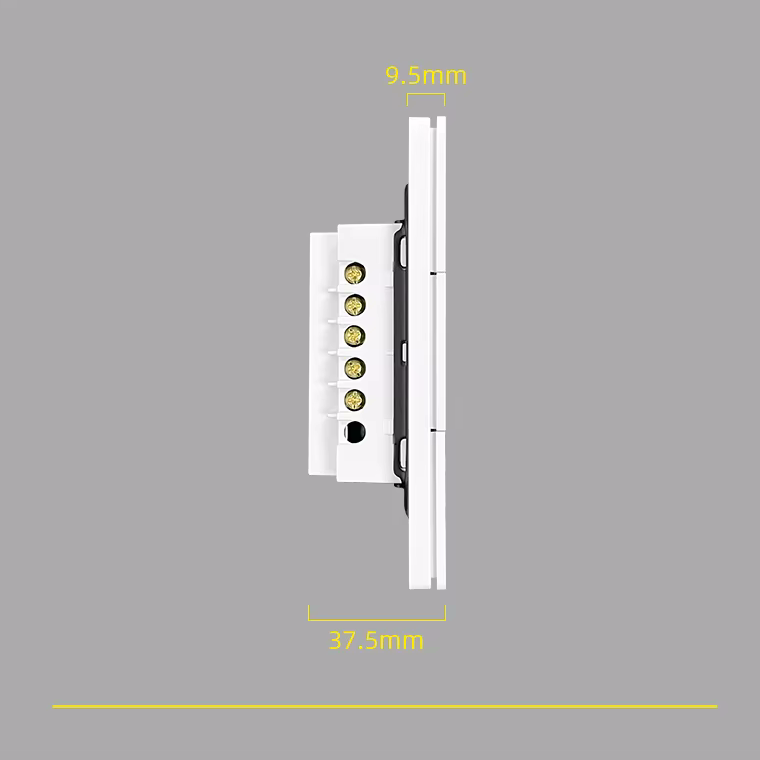
| Installation | Standard wall switch box |
Which Version Should I Choose?
Choose Neutral Required if:
- A neutral wire is available at your switch.
- You want the greatest range of indicator and backlight customisation.
- You’re installing switches during a new build or renovation.
- Your electrical installation already provides neutral at the switch box.
- You require a 4-gang switch.
Choose Neutral Optional if:
- You aren’t sure whether a neutral wire is available.
- You want the flexibility to install the switch with or without neutral.
- You’re upgrading an older electrical installation.
- You want to avoid rewiring an existing switch circuit.
- You need a 1, 2 or 3 gang switch for a retrofit installation.
If you require 4 gang, select the Neutral Required version.
Available Configurations
The SmartPad Zigbee Tactile Switch can be ordered in a variety of combinations:
Protocol:
Zigbee
Wiring:
Neutral Required / Neutral Optional
Gang:
1 Gang / 2 Gang / 3 Gang / 4 Gang
Colour:
White / Black / Grey
Configuration availability
| Gang | Neutral Required | Neutral Optional |
|---|---|---|
| 1 Gang | ✅ | ✅ |
| 2 Gang | ✅ | ✅ |
| 3 Gang | ✅ | ✅ |
| 4 Gang | ✅ | — |
This allows you to select the switch that matches both your electrical installation and interior design.
Why Choose the SmartPad Zigbee Tactile Smart Light Switch?
The SmartPad Zigbee Tactile Smart Light Switch combines the best parts of a traditional wall switch with modern smart-home technology.
You get:
Physical tactile buttons
Zigbee 3.0 connectivity
Home Assistant compatibility
Zigbee2MQTT & ZHA support
Neutral Required or Neutral Optional installation
1, 2, 3 & 4 gang options
White, Black & Grey finishes
Smart timers and automation
Customisable indicator and backlight options
Whether you’re installing your first smart switch or building an entire local smart home, the SmartPad Zigbee Tactile Switch provides a flexible and attractive way to bring intelligent lighting control to your home.
Smart control when you want it.
A proper physical switch when you need it.
Important Installation Information
Please select the correct wiring configuration, gang count and colour when ordering.
The Neutral Required version must have a neutral connection available at the switch.
The Neutral Optional version can operate with or without a neutral wire. When installed without a neutral connection, the supplied capacitor must be installed correctly according to the installation instructions.
The 4-gang Zigbee version is only available in the Neutral Required configuration.
A compatible Zigbee coordinator, hub or gateway is required for smart-home functionality.
Electrical installation should be carried out by a suitably qualified electrician and in accordance with applicable South African electrical regulations.